The HP Sprocket Portable Photo Printer turns phone and social media images into 2 x 3 inch sticky-backed prints, with editing and sharing features in its companion app.
This HP Sprocket Portable 2x3 Inch Instant Photo Printer Print Pictures on Zink review looks at how its small format, group printing, and paper choice fit casual travel and creative projects.
HP Sprocket Review Summary
The quick verdict
25,000+ ratings
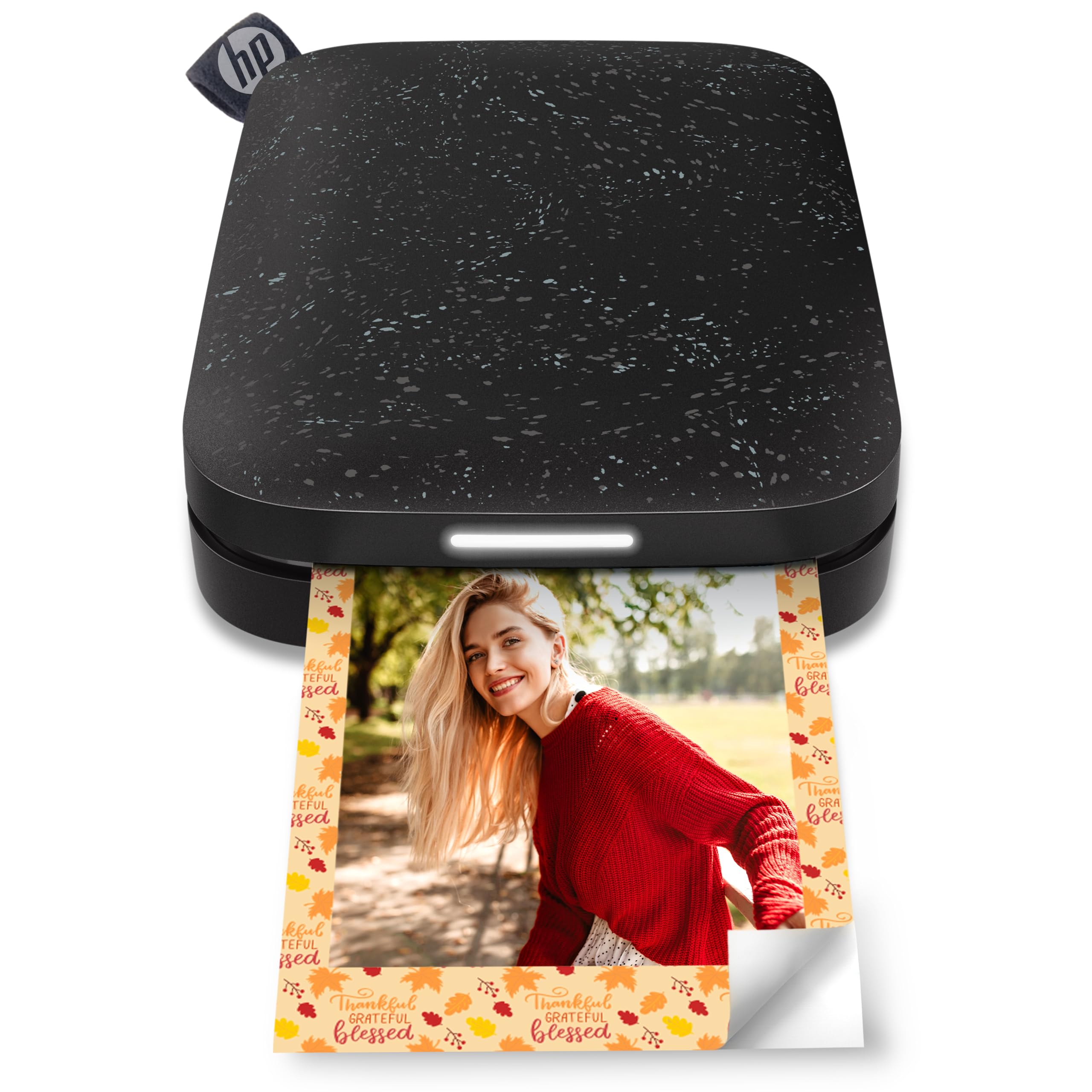
Read Amazon ReviewsHP Sprocket Portable Photo Printer
A pocketable instant printer for travelers, scrapbookers, and friends who want small adhesive-backed photos straight from their phones.
- Prints 2 x 3 inch photographs on Zink sticky-backed paper.
- Smartphone-sized body designed for pocket, purse, or backpack carry.
- Connects with iOS 10 and above or Android 5 and above through the Sprocket app.
- Allows multiple devices to connect for printing together; a personalized LED indicates whose image is printing.

Pros
- Compact design makes it practical to bring along for trips and gatherings.
- Adhesive-backed 2 x 3 inch prints can double as small stickers for albums or personal projects.
Consider before buying
- The 2 x 3 inch output is small, so it is better for keepsakes and stickers than prints meant for display at a distance.
- The included 10 sheets are a starter supply; frequent printing means planning for additional compatible Zink paper.
Read the full review summary
The Sprocket is designed for printing small photos wherever a smartphone is handy.
Its pocket-friendly form and included pack of 10 Zink sheets make it appealing for trips, parties, scrapbooks, or decorating a notebook with images that are already on a phone.
Zink printing uses color embedded in the paper, so there are no ink cartridges to manage.
Its best fit is someone who values quick, shareable keepsakes over large prints or a full-size photo workflow. The app adds ways to customize social photos, while multiple devices can connect for a group print session.
The tradeoffs are the compact 2 x 3 inch output and the need to use compatible paper; buyers should check phone operating system compatibility before choosing it.
The buying factors
HP Sprocket Scorecard
Editorial scores reflect listed features and buyer fit; they are not laboratory measurements or customer ratings.
Portability
The smartphone-sized design is intended to slip into a pocket, purse, or backpack.
Print format
Small 2 x 3 inch prints suit stickers and keepsakes, but limit image size.
Creative options
The app supports print customization and editing for social media photos.
Group sharing
Multiple devices can connect to print, and an LED indicates whose photo is printing.
Setup compatibility
It works with iOS 10 and above and Android 5 and above, so checking device software is important.
Ready-to-use paper
The box includes 10 sheets, a useful starter amount for a first outing or small project.
Key Features and Specifications of HP Sprocket
- Prints 2 x 3 inch photographs on Zink sticky-backed paper.
- Smartphone-sized body designed for pocket, purse, or backpack carry.
- Connects with iOS 10 and above or Android 5 and above through the Sprocket app.
- Allows multiple devices to connect for printing together; a personalized LED indicates whose image is printing.
- The app supports customizing, designing, and printing social media photos, plus sharing customized photo albums.
- Scanning the Sprocket with a smartphone and app can show a virtual queue of print jobs.
- Includes 10 sheets of HP Zink paper with peel-and-stick backing and a one-year limited hardware warranty.
Pros and Cons of HP Sprocket
Pros
- Compact design makes it practical to bring along for trips and gatherings.
- Adhesive-backed 2 x 3 inch prints can double as small stickers for albums or personal projects.
- Zink paper avoids the need to handle separate ink cartridges.
- Multi-device printing supports a more social use at parties or with friends.
- App editing and album sharing add useful creative options beyond sending an unedited image to print.
Consider before buying
- The 2 x 3 inch output is small, so it is better for keepsakes and stickers than prints meant for display at a distance.
- The included 10 sheets are a starter supply; frequent printing means planning for additional compatible Zink paper.
- Buyers need to confirm their phone meets the listed Android or iOS version requirement.
Who Should Buy HP Sprocket?
Good fit
Consider the HP Sprocket if you want an easy-to-carry way to turn phone photos into small physical mementos.
It suits travel journals, scrapbooks, party favors, and casual decorating, especially when peel-and-stick backing is more useful than a traditional loose photo.
The shared printing and app features make it a natural option for groups who want to select and personalize images together.
Before buying, check that your phone's operating system is supported and think about how many 2 x 3 inch sheets you are likely to use, since the included pack contains 10.
Who should skip it
Look elsewhere if you need larger prints for framing, or if your main goal is a conventional photo printer for a steady stream of full-size pictures. The Sprocket's value is its compact, adhesive-backed format and phone-centered workflow.
It may also be a poor fit if your device runs an older operating system than Android 5 or iOS 10, or if you prefer prints without adhesive backing.
How the HP Sprocket Fits Everyday Photo Printing
Small prints for spontaneous keepsakes
The 2 x 3 inch format shapes the Sprocket's role: it is suited to little snapshots, labels, and album embellishments rather than large wall photos.
Its size and sticky backing can make it convenient to take a favorite moment from a phone and place it directly into a journal or scrapbook.
A phone-led creative workflow
Printing and customization center on the Sprocket app, which can personalize social media photos and share albums with friends.
That gives casual users room to edit before printing, while the listed operating system minimums are worth checking on the phone that will do the printing.
Shared printing at gatherings
The ability to connect multiple devices can help a group contribute images without relying on just one person's photo selection.
The LED indicator adds a simple visual cue about whose image is being printed, a practical touch when several people are taking turns.
Paper supply and print planning
The printer comes with 10 sheets of HP Zink paper, enough to try the workflow or complete a small batch.
Because prints use dedicated sticky-backed media, buyers should consider their likely ongoing paper use and whether they want adhesive photos for their projects.
Alternatives to HP Sprocket
Portable Photo Printers alternative
25,000+ ratings
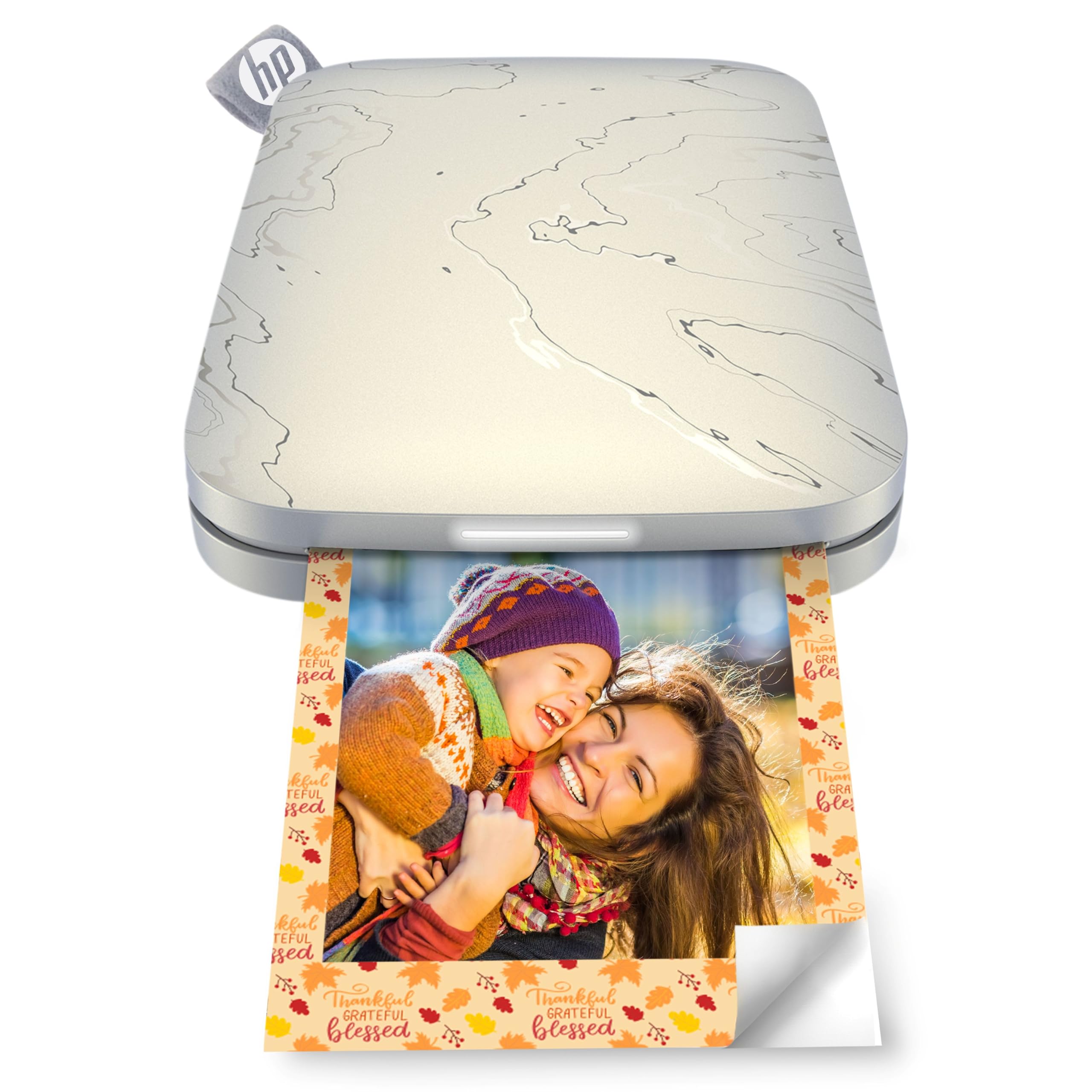
Read Amazon ReviewsHP Sprocket Select
Choose the Select if a larger print area and its listed social media tag-to-print workflow matter more than matching the Sprocket's smaller 2 x 3 inch format.
The Sprocket is the better fit when pocket-sized adhesive prints are the priority.
- The Sprocket Select prints larger 2.3 x 3.4 inch photographs and lists Bluetooth 5.1 connectivity, app editing tools, and a tag-to-print feature for social media images.
- The HP Sprocket prints 2 x 3 inch sticky-backed photos and is designed for compact carry.
NFC pairing alternative
20,000+ ratings
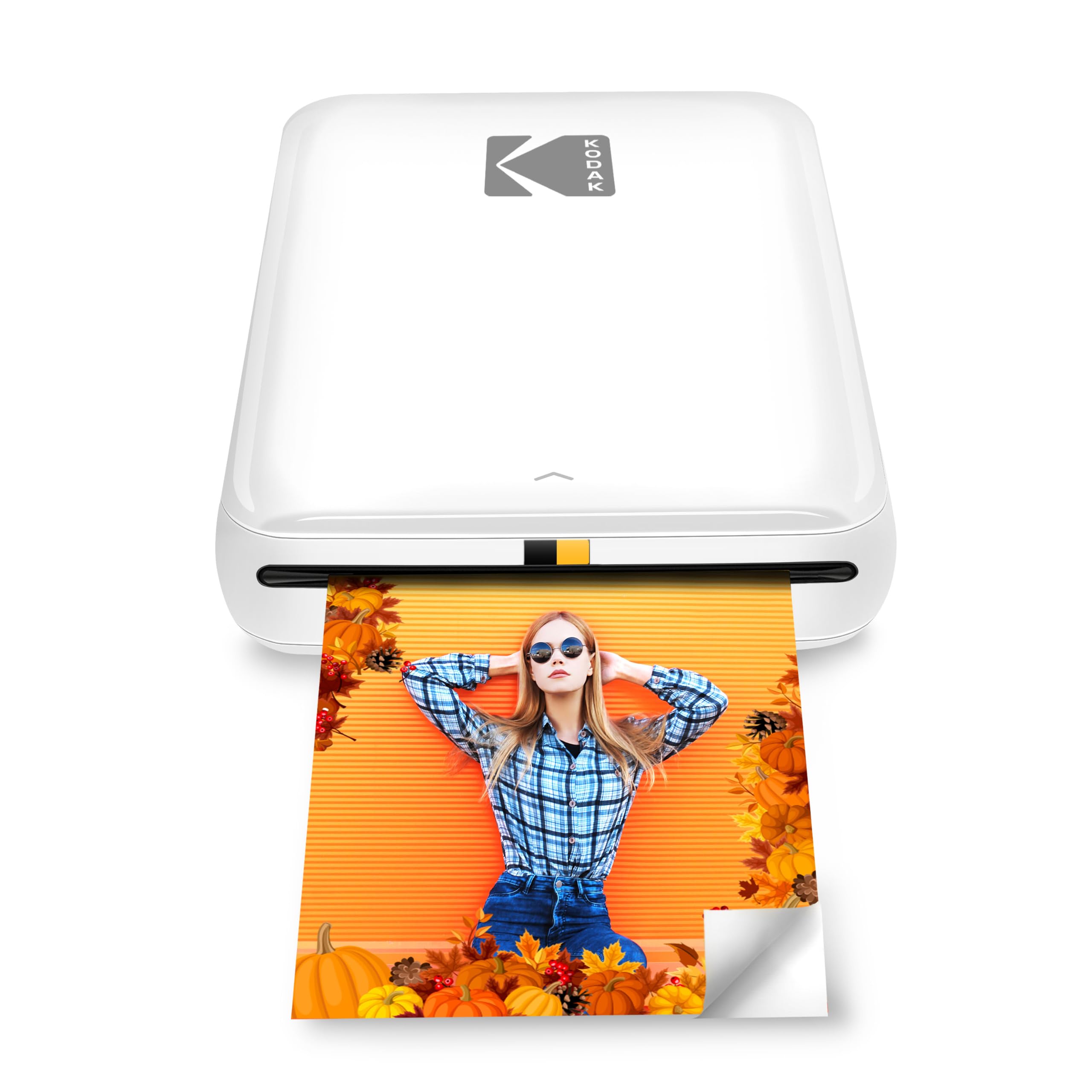
Read Amazon ReviewsKODAK Step Instant Smartphone Photo Printer
Consider the KODAK Step if NFC pairing, collage tools, or a stated print count per charge are useful to your routine.
The HP Sprocket is a closer match for buyers who value its multi-device printing and shared album features.
- The KODAK Step prints 2 x 3 inch Zink photos, connects to iOS or Android by Bluetooth or NFC, and its app offers collages, filters, borders, stickers, and text.
- Its description lists a rechargeable battery and up to 25 prints on a full charge.
- The HP Sprocket supports multiple connected devices and includes 10 sheets of sticky-backed 2 x 3 inch Zink paper.
Is HP Sprocket Worth It?
The HP Sprocket Portable Photo Printer is worth considering if you want a highly portable way to make small, personalized adhesive-backed prints from a phone.
Its app tools and group-printing support give it appeal for travel, parties, and creative keepsakes.
Buy it with realistic expectations about the compact 2 x 3 inch format and plan for compatible paper beyond the included 10 sheets if you expect to print often.
Check phone compatibility first; for buyers who are comfortable with those tradeoffs, it offers a straightforward bridge between digital snapshots and physical mementos.
Your review at a glance
25,000+ ratings
Read Amazon ReviewsHP Sprocket Portable Photo Printer
A pocketable instant printer for travelers, scrapbookers, and friends who want small adhesive-backed photos straight from their phones.
- Prints 2 x 3 inch photographs on Zink sticky-backed paper.
- Smartphone-sized body designed for pocket, purse, or backpack carry.
- Connects with iOS 10 and above or Android 5 and above through the Sprocket app.
- Allows multiple devices to connect for printing together; a personalized LED indicates whose image is printing.