The KODAK Step Slim Instant Smartphone Photo Printer review centers on a simple travel-friendly idea: turn phone photos into small prints you can handle, share or stick into a scrapbook.
Its compact format, Bluetooth connection and editing app suit spontaneous keepsakes, while the 2-by-3-inch print size is best for small displays and projects.
Step Slim Review Summary
The quick verdict
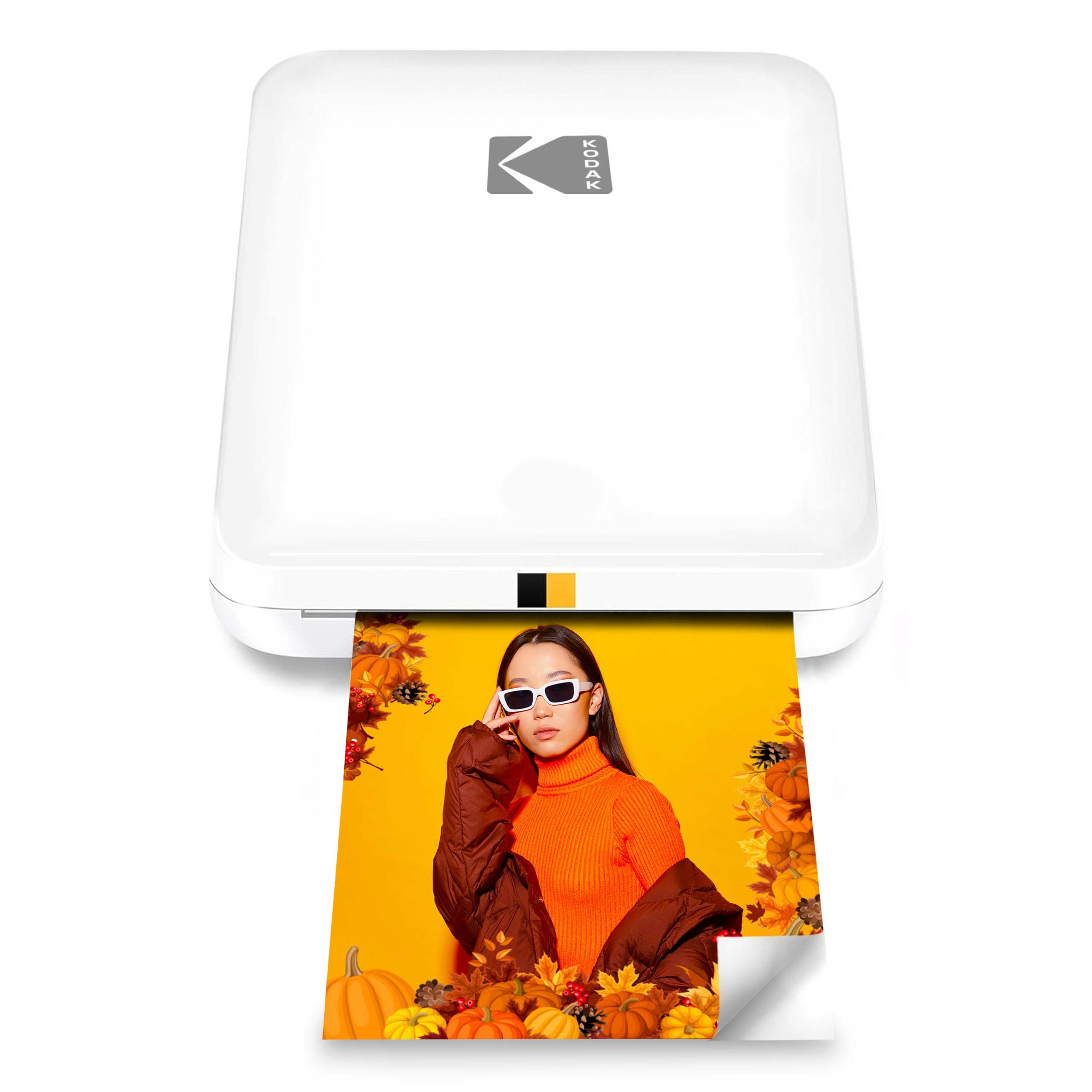
500+ ratings
Read Amazon ReviewsKODAK Step Slim
A compact phone printer for travelers, scrapbookers and casual photo sharers who want small, adhesive-backed prints without ink cartridges.
- Prints color photographs on 2-by-3-inch ZINK paper, with adhesive backing for peel-and-stick use.
- Connects to iOS and Android smartphones through Bluetooth.
- Works with the KODAK STEP Prints app for photo editing and personalization.
- App tools include frames, stickers and additional creative options.

Pros
- Small footprint and pocket-sized design suit travel and casual outings.
- Adhesive-backed prints are convenient for scrapbooks, lockers, laptops and other suitable surfaces.
Consider before buying
- The 2-by-3-inch print format is small, so it may not suit buyers who want larger display photographs.
- Printing depends on a compatible smartphone, Bluetooth and the companion app.
Read the full review summary
The Step Slim combines a pocket-sized design with ZINK ink-free printing, so there are no ink cartridges or toner to manage.
Connect a compatible iOS or Android phone through Bluetooth, edit images in the KODAK STEP Prints app, then print color photos on adhesive-backed paper.
The app’s frames, stickers and other editing tools make the printer feel more like a small craft station than a basic output device.
It makes the most sense for people who want physical snapshots during trips, gatherings or creative projects, particularly when the ability to peel and stick prints is useful.
The output is deliberately small, and the process depends on a smartphone and app. Buyers seeking prints for framing at a distance or larger photo albums should consider whether this format will meet their needs before choosing it.
The buying factors
Step Slim Scorecard
Editorial scores reflect listed features and buyer fit; they are not laboratory measurements or customer ratings.
Travel-friendly design
The slim, lightweight, pocket-sized design is intended for carrying on trips and printing away from a desk.
Phone connectivity
Bluetooth pairing with iOS and Android makes a phone the straightforward source for print jobs.
Print versatility
The 2-by-3-inch adhesive-backed format is useful for crafts and small keepsakes, though it limits display size.
Creative editing
The companion app offers frames, stickers and other personalization tools before printing.
Ink-free convenience
ZINK paper avoids separate ink and toner supplies, simplifying the printer’s consumables setup.
Spontaneous sharing
Small prints can be shared or placed on suitable surfaces, which fits casual travel and scrapbook use.
Key Features and Specifications of Step Slim
- Prints color photographs on 2-by-3-inch ZINK paper, with adhesive backing for peel-and-stick use.
- Connects to iOS and Android smartphones through Bluetooth.
- Works with the KODAK STEP Prints app for photo editing and personalization.
- App tools include frames, stickers and additional creative options.
- Compact, slim and lightweight design is made for portable use.
- ZINK printing does not require ink or toner cartridges.
Pros and Cons of Step Slim
Pros
- Small footprint and pocket-sized design suit travel and casual outings.
- Adhesive-backed prints are convenient for scrapbooks, lockers, laptops and other suitable surfaces.
- Editing tools let users add decorative touches before printing.
- Ink-free printing avoids managing separate ink and toner supplies.
Consider before buying
- The 2-by-3-inch print format is small, so it may not suit buyers who want larger display photographs.
- Printing depends on a compatible smartphone, Bluetooth and the companion app.
- Adhesive backing is useful for crafts and decoration but may not be wanted for every print.
Who Should Buy Step Slim?
Good fit
Consider the Step Slim if you like having a few physical photos during a trip, at a gathering or while working on a scrapbook.
Its combination of portability and sticky-backed paper is oriented toward quick, informal keepsakes rather than a home photo-printing setup.
It is also a reasonable fit for people who enjoy personalizing images before they print.
The app-based workflow gives you a chance to add frames or stickers, and the ink-free design keeps the process focused on loading paper and sending a print from your phone.
Before buying, think about where the pictures will go and whether the small format is enough.
If you mainly want photos for a wall or traditional frame, compare the print dimensions with your intended use; if you want mini prints to decorate journals, cards or personal items, the format is more aligned with that routine.
Who should skip it
Skip it if your priority is larger prints for framing, or if you want a printer that works independently of a smartphone app. The described workflow is built around phone connectivity and small prints.
It may also be a poor match if you do not want adhesive-backed paper. Consider whether you will use the peel-and-stick option before choosing a printer centered on that format.
What the KODAK Step Slim Means for Travel Printing
Small prints for small moments
A 2-by-3-inch photo is closer to a keepsake or craft element than a conventional display print.
That scale can work well for journals, scrapbooks and casual sharing, but buyers should picture the actual destination before deciding that the format is large enough.
A phone-first workflow
Bluetooth and the KODAK app make the smartphone the control point for editing and printing.
This is convenient when photos already live on a phone, though it means the printer’s usefulness depends on having that device and app available.
Ink-free, paper-dependent printing
ZINK moves the color-printing process into the paper rather than separate ink or toner cartridges.
That removes one type of supply from the setup, while making the compatible photo paper central to continued use; buyers should check paper availability and cost as part of their ownership plans.
Creative use of adhesive backing
Peel-and-stick output makes these prints easy to place in craft projects or on selected personal surfaces.
It adds flexibility for decorating, but the backing is not automatically suited to every album or display, so consider whether removable or traditional photo prints better suit your plans.
Alternatives to Step Slim
Sticker-print alternative
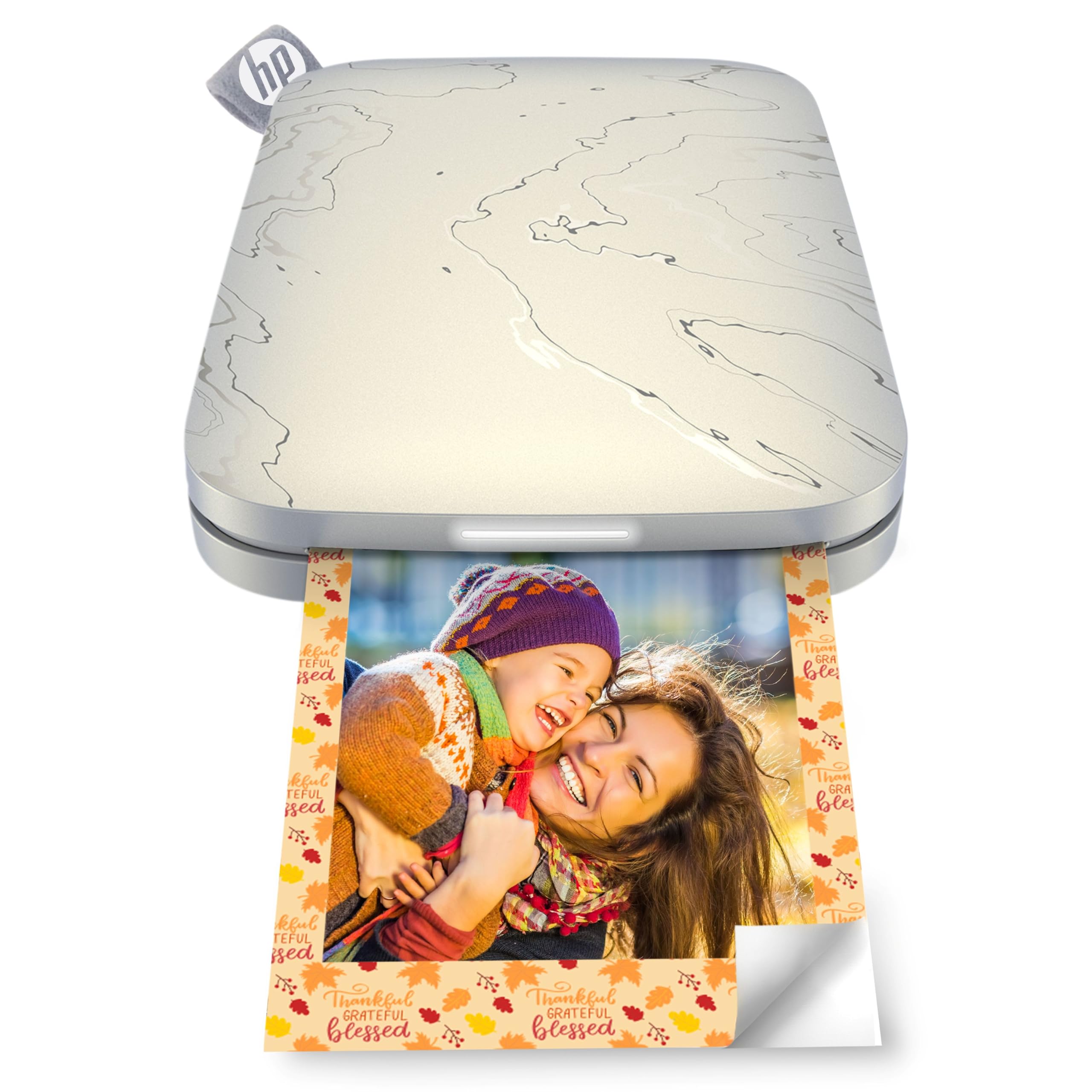
25,000+ ratings
Read Amazon ReviewsHP Sprocket Select
Choose the Step Slim if the smaller 2-by-3-inch format suits your crafts and keepsakes. The Sprocket Select is a better fit if you want somewhat larger prints and value its described social-media printing feature.
- The Sprocket Select prints larger 2.3-by-3.4-inch photos on ZINK sticky-backed paper, with an HP app, Bluetooth 5.1 and a tag-to-print feature for social photos.
- The Step Slim prints 2-by-3-inch adhesive-backed ZINK photos and uses the KODAK app for personalization.
Portable Photo Printers alternative
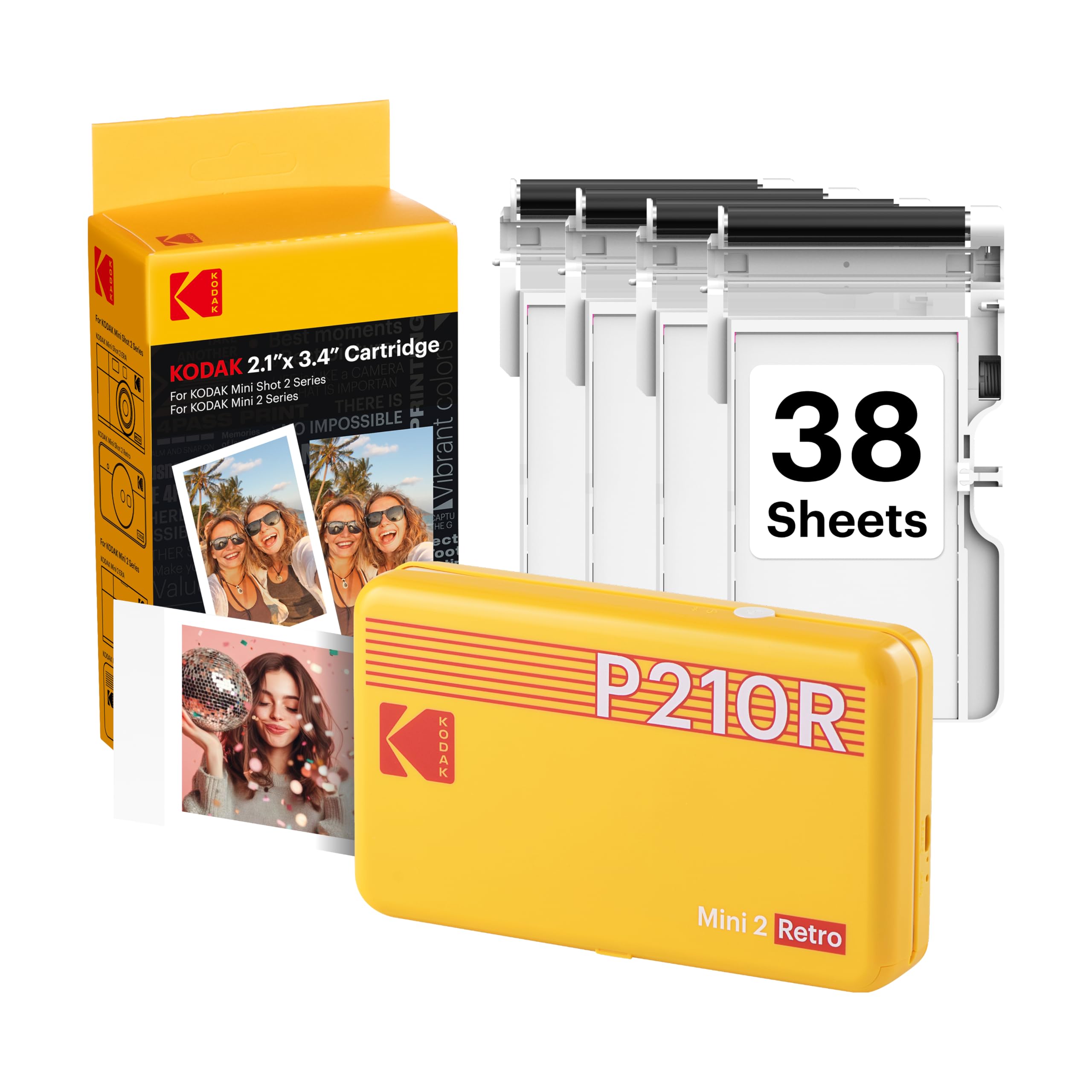
12,000+ ratings
Read Amazon ReviewsKODAK Mini 2 Retro
The Step Slim suits buyers who prefer an ink-free ZINK workflow and sticky-backed prints. Consider the Mini 2 Retro if its 4PASS process and included paper-and-cartridge bundle better match your interest in photo printing.
- The Mini 2 Retro uses 4PASS dye-sublimation printing with cartridges and paper, and its supplied bundle includes 38 sheets and four cartridges.
- It produces credit-card-sized prints and connects to iOS and Android through Bluetooth and the KODAK Photo Printer app.
- The Step Slim uses ink-free ZINK paper for 2-by-3-inch adhesive-backed photos.
Is Step Slim Worth It?
The KODAK Step Slim is worth considering if you want a portable, phone-connected printer for small color keepsakes, especially prints you can decorate with app tools or use in crafts.
Its pocket-sized design and ink-free ZINK process make the concept straightforward for casual use.
The main decision is whether 2-by-3-inch adhesive-backed photos fit your plans. Choose it for mini travel memories and scrapbook pages; look elsewhere if you need larger prints or prefer not to depend on a smartphone app.
Your review at a glance
500+ ratings
Read Amazon ReviewsKODAK Step Slim
A compact phone printer for travelers, scrapbookers and casual photo sharers who want small, adhesive-backed prints without ink cartridges.
- Prints color photographs on 2-by-3-inch ZINK paper, with adhesive backing for peel-and-stick use.
- Connects to iOS and Android smartphones through Bluetooth.
- Works with the KODAK STEP Prints app for photo editing and personalization.
- App tools include frames, stickers and additional creative options.